

Can I use DriftNo on Steam Deck?
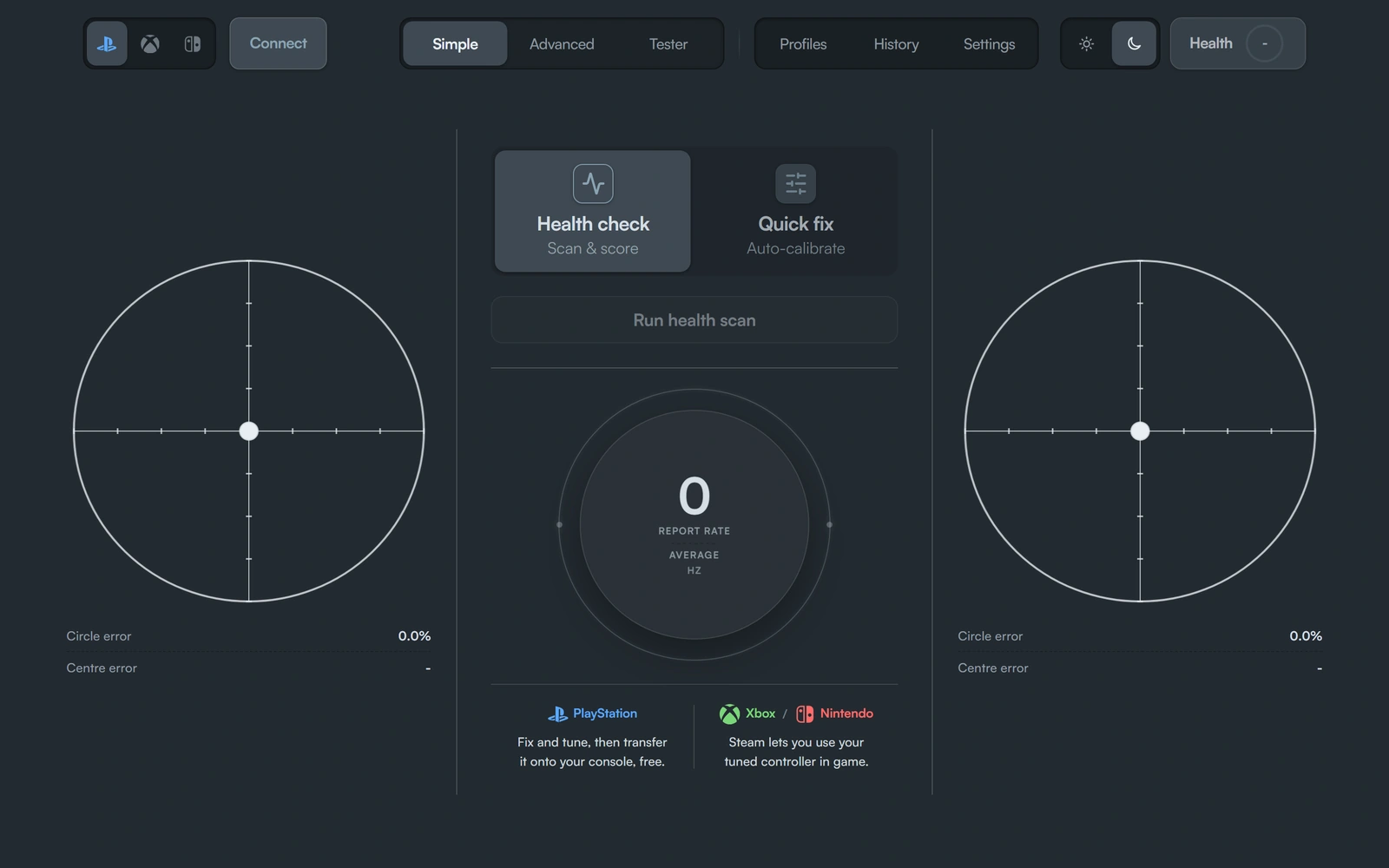
Yes. Switch your Steam Deck to Desktop Mode, launch Chrome or any Chromium browser, and open DriftNo. You can test the built-in thumbsticks or any controller connected via USB-C dock or Bluetooth.
Steam Deck stick drift can be diagnosed, calibrated, and tuned directly inside SteamOS without opening the handheld. For persistent mechanical wear, modular thumbstick assemblies make drop-in Hall effect upgrades straightforward. Here is how to test, calibrate, and resolve stick drift on Steam Deck.
Valve designed the Steam Deck with modular analog stick daughterboards connected to the mainboard by flexible ribbon cables. LCD models feature either Type A or Type B stick modules (identifiable under Settings > System), while OLED models feature revised low-friction modules.
Because the thumbstick assemblies are self-contained, stick drift on Steam Deck can be managed in software via SteamOS, or solved permanently by swapping the original ALPS potentiometers for drop-in magnetic Hall effect modules.
| Solution | Requires opening shell? | Fix type | Best suited for |
|---|---|---|---|
| SteamOS Deadzone tuning | No | Software compensation | Slight resting drift within 5% to 8% |
| SteamOS Stick calibration | No | System zero recalibration | Resting centre misalignment |
| DriftNo web test (Desktop Mode) | No | 0-100 Health Score benchmark | Verifying drift, jitter, and circularity |
| GuliKit Hall effect drop-in | Yes (15-minute install) | Permanent hardware upgrade | Potentiometer carbon track wear |
| Valve / iFixit OEM module swap | Yes (15-minute install) | Factory component replacement | Replacing damaged return springs or shafts |
Follow these steps directly on your Steam Deck to recalibrate neutral centres and deadzones.
Press the physical Steam button, open Settings from the sidebar, and navigate to the Controller menu.
Scroll to Calibration & Advanced Settings and select Open. This displays real-time coordinates for left and right thumbsticks.
Check whether the resting crosshair settles cleanly within the default deadzone circle without touching the sticks.
If resting drift is minor, increase the deadzone slider slightly until the marker rests fully in the quiet zone. For persistent drift, tap Calibrate to reset neutral offsets.
Switch your Steam Deck to Desktop Mode, open Chrome or Chromium, and navigate to DriftNo to measure your Controller Health Score and circularity error.
PlayStation Save to console is free over USB on the web. Xbox and Nintendo Save to console over USB in the Steam desktop app.
Save to console over USB in Chrome or Edge, or in the Steam desktop app.
Test and Health Score on the web. First-party Xbox pads Save to console over USB on Steam.
Test and Health Score on the web. Switch Pro and Joy-Con Save to console over USB on Steam.
Yes. Switch your Steam Deck to Desktop Mode, launch Chrome or any Chromium browser, and open DriftNo. You can test the built-in thumbsticks or any controller connected via USB-C dock or Bluetooth.
No. Both Steam Deck LCD and Steam Deck OLED come with traditional ALPS potentiometer thumbsticks. Third-party manufacturers like GuliKit and Electrogear produce drop-in Hall effect replacement modules.
Valve designed the Steam Deck for repairability and partners officially with iFixit. Opening the back shell to swap modular stick boards does not void your warranty in the UK, EU, or US, provided you do not damage internal components during repair.
In SteamOS Gaming Mode, go to Settings, select System, and inspect the Hardware ID under Controller diagnostics. The system specifies whether your unit requires Type A or Type B replacement modules.
It depends on the cause. If the stick rests off-centre but is otherwise stable, calibration can correct it and the correction holds. If the potentiometer is worn (scratchy, jumpy, drift that comes back within minutes) no software can repair that. DriftNo tells you which case you are in instead of guessing.
Yes for the full fix path. Health scan, Controller Health Score, Quick Fix, Before / After, and the gamepad tester are free. So is the whole Advanced bench: deadzone sliders, trigger calibration, linearity wizard, device tests, and Repair check. So is PlayStation USB transfer to console. Premium (£10 once) adds named profiles, health history, Auto Optimise, custom curves, per-axis sensitivity, and session PDF export in this browser.
Launch DriftNo in Desktop Mode to check your resting drift and circularity error free.