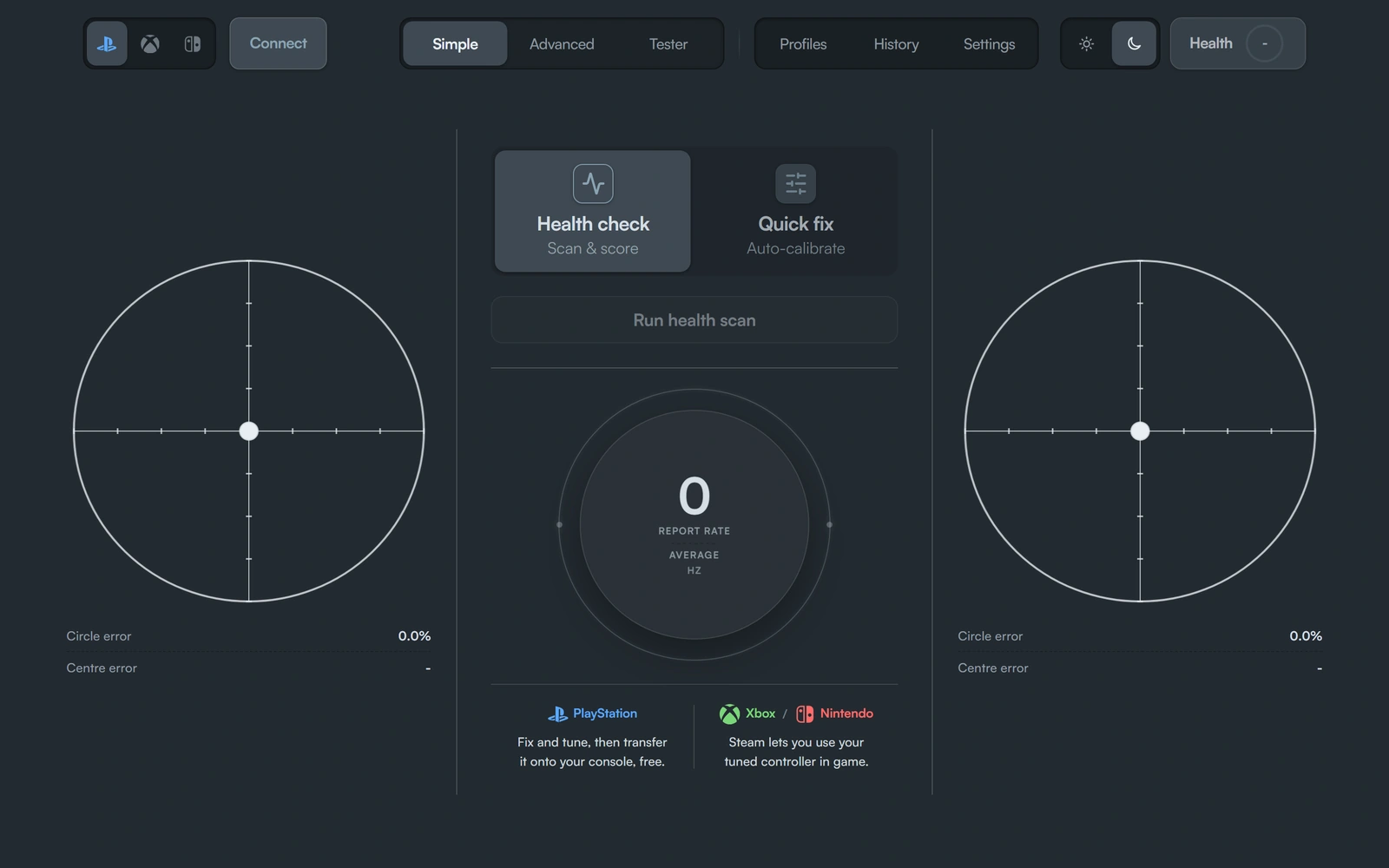


Is my analog stick broken if it snaps to the corner?
No. Snapping to 100% deflection after calibration is almost always a range scaling error where the controller thinks the outer wall is near centre. Re-running range sweeps fixes it.
If your controller stick immediately snaps or jumps to an outer corner after calibration, the range boundary was recorded with truncated extents. When range calibration finishes without full 360-degree rotations, the controller maps minor movements to maximum deflection. Here is how to fix it.
Range calibration calculates coordinate scaling factors by recording physical stick deflection along every angle. The controller expects to see values extending to the edge of the circular boundary.
If range calibration is triggered and completed while the stick is resting at centre, or if only a quarter-turn was made, the controller sets the maximum extent to a tiny radius. The slightest nudge pushes past this truncated boundary, pinning the cursor to 100% deflection in the corner.
This is purely a mathematical coordinate scaling error in NVS memory, not broken hardware. It can be corrected in sixty seconds by running a complete range sweep.
Perform this sequence to re-expand the coordinate boundaries.
Open DriftNo in Chrome, Edge, or Opera and ensure the pad connects successfully.
Select Range Calibration in the calibration bench. The controller will prepare to record coordinate boundaries.
Push the stick fully against the plastic gate and rotate it smoothly around the outer ring. Complete at least four to five full 360-degree rotations.
Perform the same full-perimeter rotation on the second analog stick to ensure both sides register symmetrical outer limits.
Complete the calibration step to write the full range matrix into memory. The stick will immediately return to smooth proportional travel.
PlayStation Save to console is free over USB on the web. Xbox and Nintendo Save to console over USB in the Steam desktop app.
Save to console over USB in Chrome or Edge, or in the Steam desktop app.
Test and Health Score on the web. First-party Xbox pads Save to console over USB on Steam.
Test and Health Score on the web. Switch Pro and Joy-Con Save to console over USB on Steam.
No. Snapping to 100% deflection after calibration is almost always a range scaling error where the controller thinks the outer wall is near centre. Re-running range sweeps fixes it.
Complete at least four slow, continuous 360-degree rotations. Ensuring the stick touches all cardinal points (North, East, South, West) produces an accurate circular boundary.
It depends on the cause. If the stick rests off-centre but is otherwise stable, calibration can correct it and the correction holds. If the potentiometer is worn (scratchy, jumpy, drift that comes back within minutes) no software can repair that. DriftNo tells you which case you are in instead of guessing.
Run range calibration over USB and rotate through full circles to restore normal travel.